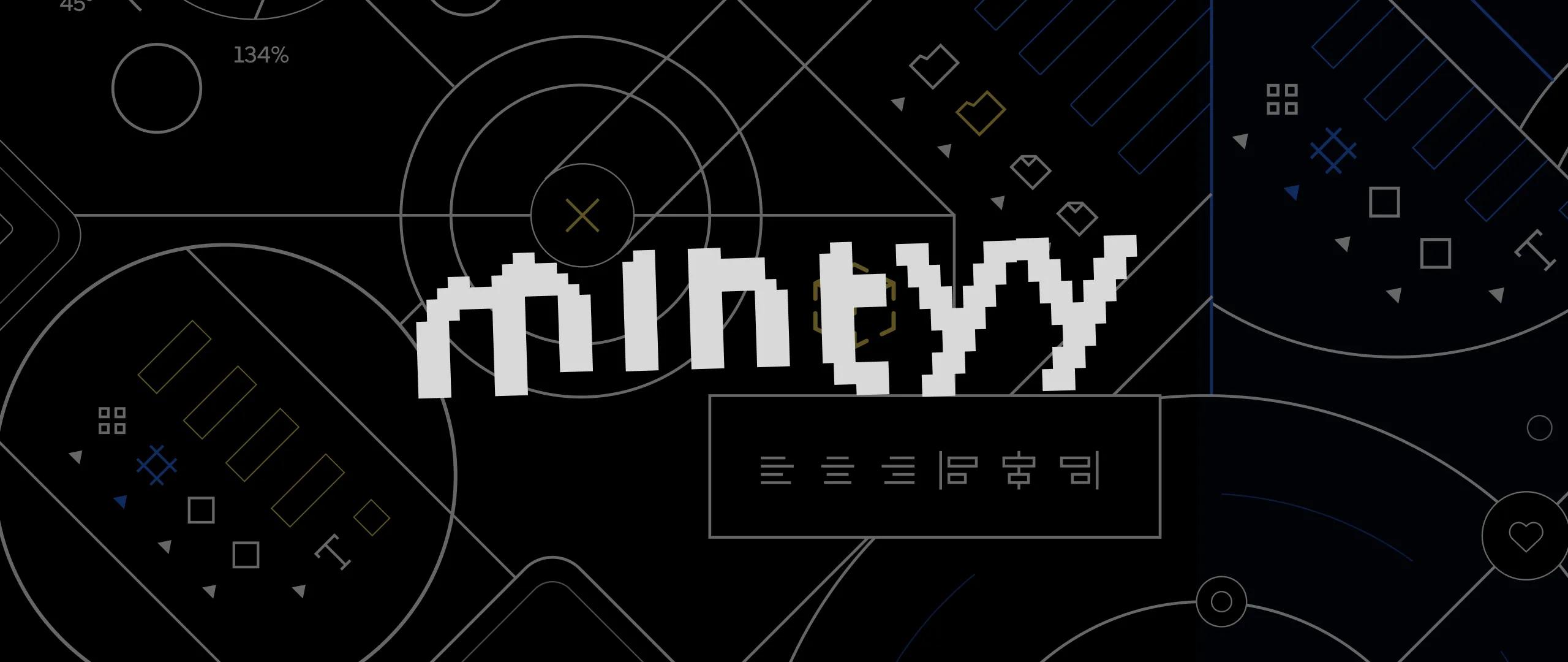
In the design world, we generally deal with two types of digital files: Raster and Vector. Understanding the difference is the difference between a brand that looks professional everywhere and one that looks like a Minecraft block the moment you try to scale it up.
The Grid vs. The Path
A standard image, like a PNG or a JPG, is a "Raster" file. It is essentially a giant grid of tiny colored squares called pixels. This works great for complex photographs, but it has a fatal flaw: it has a fixed resolution. If you have a logo that is 500 pixels wide and you try to stretch it to 1000 pixels, the computer has to "guess" where to put new colors. The result? Blurry edges and a "blocky" appearance.
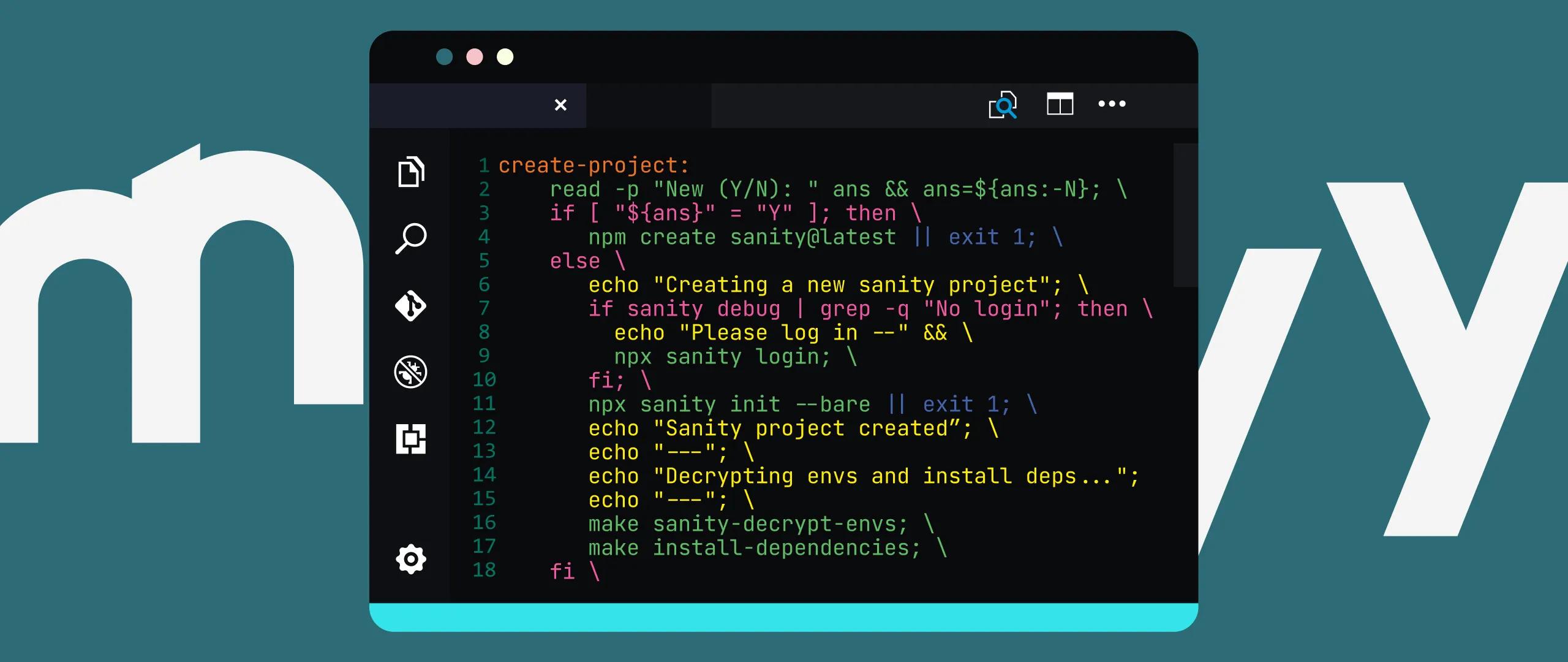
A Vector (usually an SVG, EPS, or AI file), however, is a mathematical equation. Instead of storing a grid of colors, it stores a set of instructions. It tells the computer: "Draw a curve from Point A to Point B with a specific thickness and color."